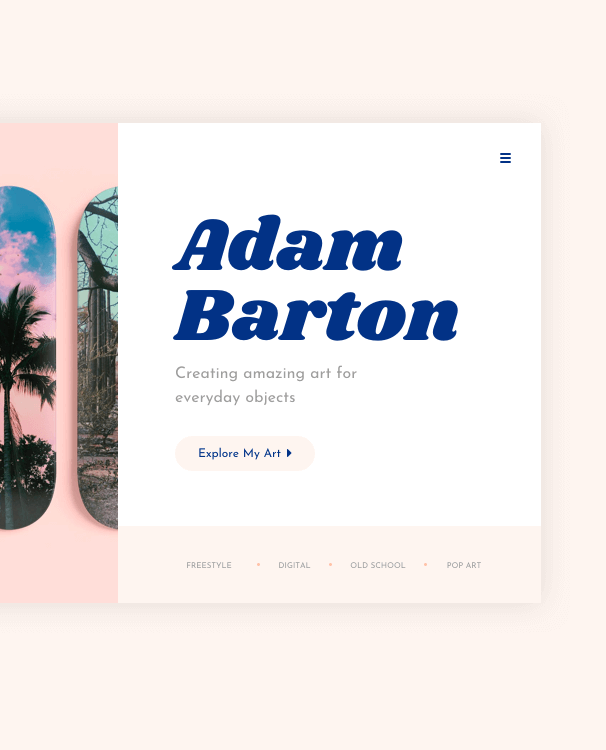
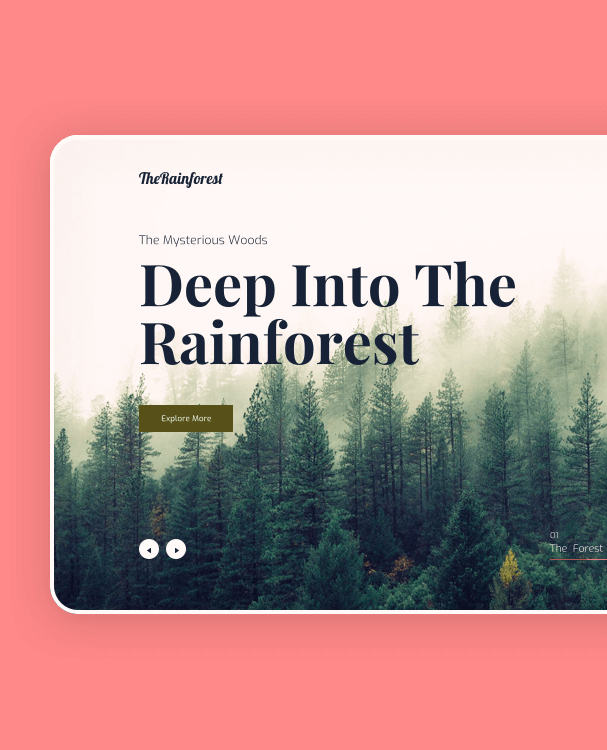
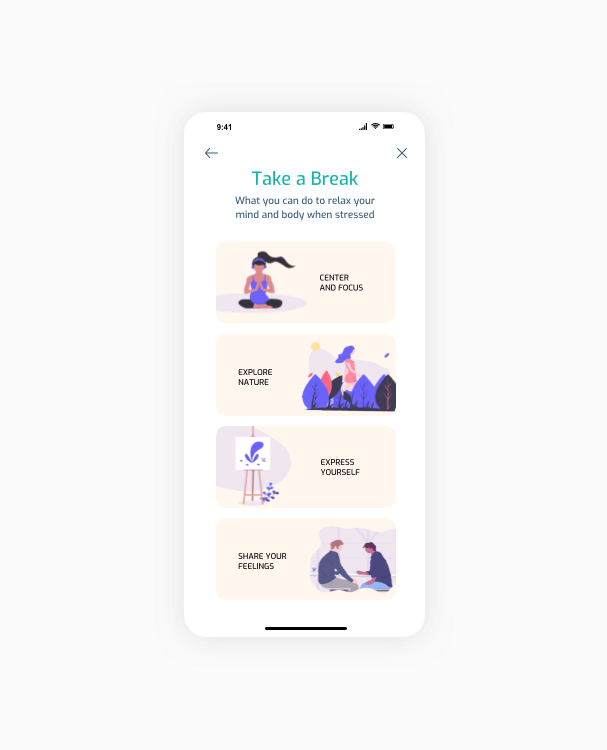
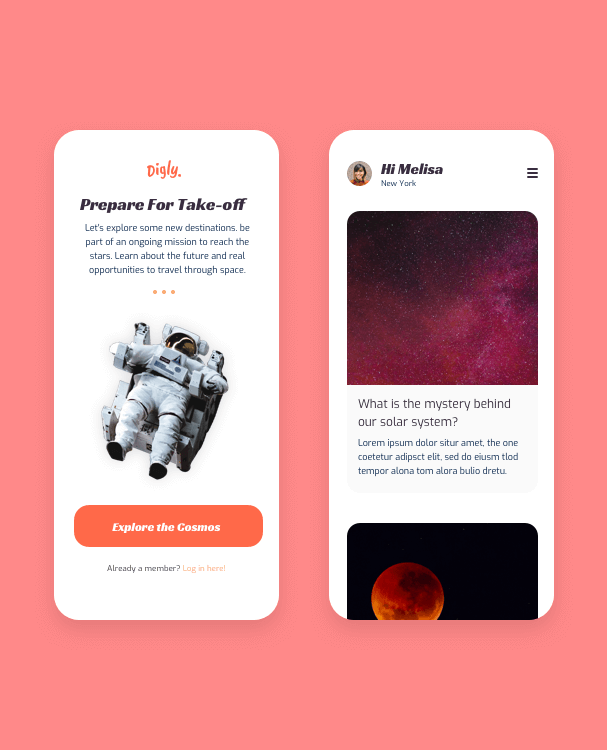
Explore my portfolio.

Projects.

Get A glimpse Into my world. design is my passion. my projects are my art.

Lorem ipsum dolor sit amet, consectetur adipiscing elit. Nam augue diam, blandit ut velit sed, luctus pellentesque magna. Pellentesque sodales ante ante, eu suscipit orci maximus sit amet. Vivamus nisi enim, condimentum eu ex non, varius finibus risus. Fusce pretium.

/** * Minimaler, performanter Scramble-Animator ohne Club-Plugin. * Idee: pro Zeichen einen "Reveal-Timestamp" bestimmen und bis dahin Zufallszeichen rotieren. */ (function() { const RANDOM_CHARS = "!-_\\/[]{}—=+*^?#___________0123456789abcdefghijklmnopqrstuvwxyzABCDEFGHIJKLMNOPQRSTUVWXYZ"; function scrambleTo(el, finalText, duration = 1.2, delay = 0) { const startTime = performance.now() + (delay * 1000); const total = Math.max(finalText.length, (el.textContent||'').length); const from = (el.textContent || '').padEnd(total, ' '); const to = (finalText || '').padEnd(total, ' '); const revealTimes = []; const now = performance.now(); // verteilt die "Aufdeck"-Zeitpunkte pro Zeichen über die Gesamtdauer for (let i = 0; i < total; i++) { const pct = i / (total - 1 || 1); // leicht ungleichmässig, damit es natürlicher wirkt const jitter = (Math.random() - 0.5) * 0.2; const t = Math.max(0, Math.min(1, pct + jitter)); revealTimes[i] = t; } function frame(t) { if (t < startTime) { requestAnimationFrame(frame); return; } const progress = Math.min(1, (t - startTime) / (duration * 1000)); let out = ""; for (let i = 0; i = r) { out += to[i]; } else { // solange noch nicht "aufgedeckt": zufälliges Zeichen out += RANDOM_CHARS[Math.floor(Math.random() * RANDOM_CHARS.length)]; } } el.textContent = out; if (progress { document.querySelectorAll('.gsap-scramble').forEach((el) => { const finalText = el.getAttribute('data-text') || el.textContent.trim(); const duration = parseFloat(el.getAttribute('data-duration')) || 2.4; const delay = parseFloat(el.getAttribute('data-delay')) || 0; const triggerMode = (el.getAttribute('data-trigger') || 'self').toLowerCase(); // Startzustand: zeigt sofort irgendwas Lesbares (optional leer) el.textContent = finalText; // ScrollTrigger einrichten ScrollTrigger.create({ trigger: triggerMode === 'parent' && el.parentElement ? el.parentElement : el, start: "top 85%", // beginnt, wenn das Element in den Viewport kommt once: true, // nur einmal animieren onEnter: () => { // vor Start kurz "verrauschen", damit der Effekt sichtbar ist el.textContent = "".padEnd(finalText.length, ' '); scrambleTo(el, finalText, duration, delay); } }); }); }); })();